QR Codes that Route to the Appropriate App Store
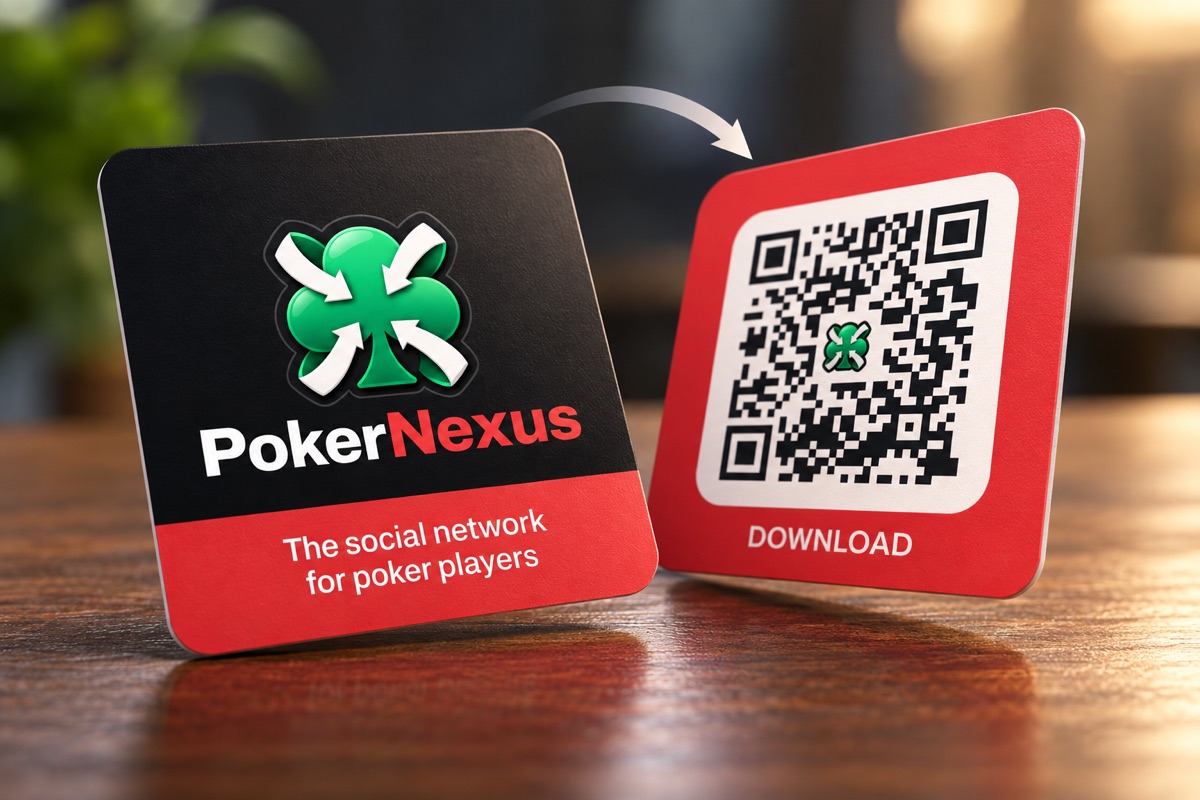
When I announced PokerNexus earlier this week, I mentioned in passing that it deploys "a separate shortlink host for printed links." This post covers what that host does and why it's built the way it is.
The goal was simple. I wanted business cards with a QR code on the back that says "Download." The trouble is that a QR code encodes exactly one URL, while "download the app" means three different places depending on who scans it:
- An iPhone should land on the App Store listing.
- An Android phone should land on the Google Play listing.
- Everything else (a laptop, a crawler, a device I can't identify) should land on the website.
Printed cards also can't be updated once they're in someone's wallet, so the URL on them needs to keep working even if the destinations change later. Both problems point to the same answer: print a URL I control, and let the server decide where each request goes. The cards point at https://go.pokernexus.com/app.
Designing the code
I made the QR code itself with my QR Code Generator. It runs entirely in the browser and exports a plain SVG or PNG, which is what a print shop wants.
A couple of details matter more on a business card than on a screen. A short URL produces a less dense code, and a less dense code has larger modules that scan more reliably at business card size. go.pokernexus.com/app is short enough to stay at a low QR version. Putting a logo in the middle covers some of the modules, so the code has to lean on error correction to make up for them. The generator bumps the level to H (roughly 30% recoverable) as soon as a center icon is added, which is what let the PokerNexus club sit in the middle without breaking scans.
The redirect service
The host is served by a small standalone Hono app. Every place it can send someone is described as a Destination: a URL, plus a flag that says whether the incoming query string should be copied onto it.
tsinterface Destination {
  readonly url: string;
  readonly query: "forward" | "drop";
}

const WEBSITE: Destination = {
  url: "https://pokernexus.com",
  query: "forward",
};

const APP_STORE: Destination = {
  url: "https://apps.apple.com/app/id6800184564",
  query: "drop",
};

const PLAY_STORE: Destination = {
  url: "https://play.google.com/store/apps/details?id=com.pokernexus.app",
  query: "drop",
};
The website appears twice because the two paths treat query strings differently. I'll come back to why in the section on query strings.
The routing table maps each path to a Target, which is either a fixed Destination or a function that picks one based on the request:
tsexport type Target = Destination | ((request: Request) => Destination);
It's two entries long:
tsexport const links: Readonly<Record<string, Target>> = {
  "/": { ...WEBSITE, query: "drop" },
  "/app": (request) => storeFor(request.headers.get("user-agent")),
};
/ sends visitors to the website, and /app asks storeFor which destination fits the device. The decision is made on the User-Agent header alone:
tsconst BOT = /bot|crawl|spider|slurp|preview|facebookexternalhit/i;
const IOS = /iPhone|iPod|iPad/;
const ANDROID = /Android/;

export const storeFor = (userAgent: string | null | undefined): Destination => {
  if (userAgent === null || userAgent === undefined) {
    return WEBSITE;
  }
  if (BOT.test(userAgent)) {
    return WEBSITE;
  }
  if (IOS.test(userAgent)) {
    return APP_STORE;
  }
  if (ANDROID.test(userAgent)) {
    return PLAY_STORE;
  }
  return WEBSITE;
};
Every branch that isn't a confident match falls through to the website. That asymmetry is intentional. A wrong answer that lands on the website is still a working page, while a wrong answer that lands in a store is an install prompt for a device that can't run the app.
Bots are checked first
The order of those checks is easy to overlook. Google's smartphone crawlers identify as phones and append their own name, so the Android crawler's user agent contains Android and the iOS one contains iPhone:
Mozilla/5.0 (Linux; Android 6.0.1; Nexus 5X Build/MMB29P) ... (compatible; Googlebot/2.1; +http://www.google.com/bot.html)
If the device checks ran first, Googlebot would be sent to a store listing while a person on a laptop was sent to the website. Serving crawlers a different destination than people is what cloaking looks like, and it isn't something I want a search engine to infer. Checking for bots first sends every crawler to the same place a desktop visitor goes.
The bot pattern is a loose substring match on purpose. A false positive costs one phone the store link and lands it on the website instead. A false negative puts a crawler in a store. Those mistakes aren't the same size, so the pattern errs toward the website.
The iPad problem
Chrome on an iPad names the device in its user agent, so the iPad in the iOS pattern catches it. Safari on an iPad doesn't. Since iPadOS 13 it requests the desktop version of sites by default, and the user agent it sends is byte-for-byte what Safari on a Mac sends:
Mozilla/5.0 (Macintosh; Intel Mac OS X 10_15_7) AppleWebKit/605.1.15 (KHTML, like Gecko) Version/18.7.5 Safari/605.1.15
Chromium-based browsers offer a more structured alternative to the user agent string called client hints. These are request headers prefixed with Sec-CH-UA-, such as Sec-CH-UA-Platform: "Android" and Sec-CH-UA-Mobile: ?1, that describe the browser, platform, and device type in separate fields rather than one long string. Safari doesn't send them, though, so there's no header that separates an iPad from a Mac.
My first attempt at this was a tiny interstitial page for any Macintosh user agent. It checked navigator.maxTouchPoints in JavaScript (iPads report touch points, Macs don't) and called location.replace with the right destination. It worked, but I removed it in the same pull request. It cost every Mac visitor an extra round trip and a flash of a blank page. It also replaced a cacheable 302 with a 200 that had to be told not to be cached, and it put a script on a host whose whole design is a lookup table and a branch.
So Safari on an iPad knowingly lands on the website, which is an accepted trade-off. The website has App Store and Google Play badges on its About page, so the fallback isn't a dead end for those visitors.
A 302, not a 301
The catch-all handler resolves the path and redirects:
tsapp.on(["GET", "HEAD"], "/*", (c) => {
  const destination = resolve(c.req.path, c.req.raw);
  if (destination === null) {
    return c.notFound();
  }
  c.header("Vary", "User-Agent");
  return c.redirect(locationFor(destination, c.req.url), 302);
});
It's tempting to reach for a 301 because the printed URL is permanent. But a permanent redirect gets cached by the browser and anything sitting in front of it. A phone that changes hands would keep the previous owner's answer, and repointing a printed link later would stop working for anyone who had already scanned it. Repointing a printed link is one of the main reasons to use a redirect host, so the redirect is temporary.
The Vary header covers the same concern at the cache layer. By default, a cache (the browser's own, a CDN, or a proxy on a corporate network) stores a response keyed by its URL alone, and serves that stored response to the next request for the same URL. Vary tells the cache which request headers also affected the response, so it only reuses a stored copy when those headers match too. /app returns three different destinations for the same URL, so without Vary: User-Agent, a shared cache could store the redirect it gave an Android phone and hand that Play Store link to the next iPhone.
HEAD is answered alongside GET because link checkers often use it, and a link checker pointed at a printed address should see the same 302 a phone does.
Query strings
Tagging a printed link with a campaign (?utm_source=cards&utm_medium=qr) is useful, so the website fallback forwards the incoming query. The store destinations drop it:
tsexport const locationFor = (destination: Destination, requestUrl: string): string => {
  const url = new URL(destination.url);
  if (destination.query === "forward") {
    url.search = new URL(requestUrl).search;
  }
  return url.toString();
};
Dropping it for Google Play isn't optional. The Play listing's package ID lives in the query string (?id=com.pokernexus.app), and locationFor replaces the query rather than merging it. Forwarding a campaign tag there would overwrite the ID and open a listing for nothing. A test pins the Play destination to "drop" so that can't change quietly.
Why not pokernexus.com/app?
A path on the main domain would be a shorter address, but it wouldn't work. The iOS app claims pokernexus.com as a universal link domain, and its apple-app-site-association file claims every path ("/": "*"), because the app and the website share one route tree. Android's verified app links do the same for the apex host.
That means an installed app intercepts every link to the main domain. A /app path there would open the app on exactly the phones that already have it, and the redirect would only ever run on phones that don't. Worse, it would put device sniffing in front of the entire website, where a bug could send every visitor to the App Store.
go.pokernexus.com is deliberately unclaimed. The iOS entitlement lists only applinks:pokernexus.com, and since Android fetches assetlinks.json per host, the shortlink host simply serves none. Neither platform intercepts it. Running it as its own service also turns "never serve the app on that host" from a rule someone has to remember into a property of the deployment. The service imports no workspace packages, so its Docker image is small and it deploys on its own schedule. Repointing a link is a one-line change that doesn't rebuild the website.
If the app is already installed, /app still goes to the store listing, where the OS shows an "Open" button instead of "Get." Sending someone to the store and then into a specific screen after install (deferred deep linking) is a different feature, and not one this host tries to provide.
Test before you print
Unknown paths return a 404 rather than falling back to the website. A typo in a printed URL that silently lands on the homepage looks like it's working, and the time to learn about that typo is while testing the QR code, not after a box of purchased cards arrives. The same reasoning is why /App, /apps, and /app/extra all return 404, while a trailing slash is forgiven.
The tests use real user agent strings rather than simplified ones. Besides the obvious phones and desktops, the fixtures include Instagram's and Facebook's in-app browsers, an Android tablet, Chrome and Safari on an iPad, Slack's link expander, curl, and both Googlebot smartphone crawlers. Another test reads the App Store ID and Android package ID from the client app's source files and asserts they match the constants in the shortlink service, so the two can't drift apart.
The result is a service small enough to read in one sitting, and one URL that works on the back of a card regardless of what's pointed at it. If you want a QR code of your own, the generator is free to use, and nothing you enter leaves your browser.