Cooking with measurable
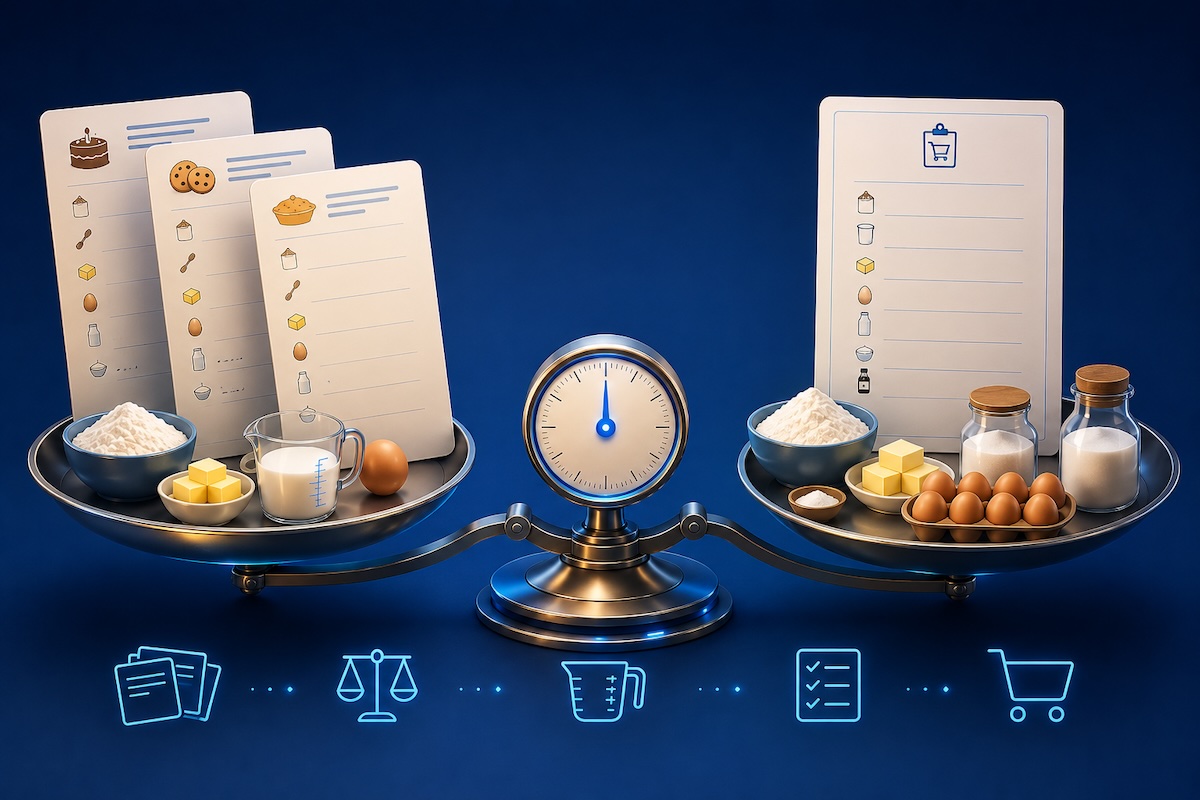
I recently published measurable, a small TypeScript library for converting between units of measurement. It ships with common units for length, mass, volume, temperature, and a dozen other dimensions, in addition to allowing you define your own. The thing I cared most about while building it is that conversions stay exact: a foot is exactly 12 inches, not 12.000000000000002, thanks to magnitudes being held as exact rational numbers and only collapse to a float once read.
Rather than list every feature, I'f like to walk through the most interesting parts by using recipes as the basis of some examples. Each section below has an interactive widget, followed by the core code that drives it. The widgets import the published package directly from npm.
The two ideas worth holding onto before diving in:
- A dimension (length, mass, volume) decides what can convert. Any unit converts to any other unit in the same dimension.
- A measurement system (metric, imperial, US customary) is just a tag. It never gates a conversion. It powers filtering, formatting, and parsing instead.
A quantity and its label
The core type is Quantity, a magnitude paired with a unit. Once you have one, format renders it as a string, and it knows how to pluralize:
tsimport { Quantity } from "measurable";
import { gram } from "measurable/dimensions";

new Quantity(1, gram).format(); // "1 gram"
new Quantity(5, gram).format(); // "5 grams"
The unit option chooses which label to use. "auto" is the default, switching between the singular and plural names based upon the magnitude. "name" and "plural" force one or the other, and "symbol" uses the unit's symbol, falling back to the name when a unit has no symbol defined (e.g.: "cup").
tsnew Quantity(1, gram).format({ unit: "symbol" }); // "1 g"
new Quantity(1, gram).format({ unit: "plural" }); // "1 grams"
Change the format and the magnitude here, and watch the labels update:
- 2 gram2 grams
- 2 kilometer2 kilometers
- 2 cup2 cups
- 2 liter2 liters
- 2 tablespoon2 tablespoons
- 2 ounce2 ounces
If you need the magnitude and label as separate strings, for example to style them differently in JSX, formatParts returns { magnitude, unit } instead of a single string.
Scaling a recipe
A recipe written for two dozen cookies rarely matches how many you want. Scaling means multiplying every quantity by the same factor, and times does exactly that. Because the magnitude is an exact rational, the factor can be a fraction without drifting:
tsimport { Quantity, Rational } from "measurable";
import { cup } from "measurable/dimensions";

// Three quarters of a cup, scaled for one and a half batches.
const sugar = new Quantity(new Rational(3, 4), cup);
sugar.times(new Rational(3, 2)).rational; // exactly 9/8
That 9/8 is the part I care about. Three quarters tripled is exactly two and a quarter cups, not 2.2499999999999996, allowing it to be rendered as a tidy fraction. The widget below scales a full recipe. Notice how the amounts stay as clean fractions as you change the serving count:
- 2 ¼ cupsall-purpose flour
- 1 tspbaking soda
- 1 tspsalt
- 1 cupbutter
- ¾ cupsgranulated sugar
- ¾ cupsbrown sugar
- 2eggs
- 1 tspvanilla extract
- 2 cupschocolate chips
To produce those fractions I read quantity.rational, which exposes the exact numerator and denominator, and format it myself when the denominator is something a cook would recognize. For converted amounts where an exact fraction does not exist, I fall back to a rounded decimal.
Switching measurement systems
Conversion is governed only by the dimension, so a value can move between systems freely. The piece that makes this readable is System.express(), which re-expresses a quantity in a system's best-fit unit, the largest unit whose magnitude is still at least one:
tsimport { Quantity } from "measurable";
import { liter } from "measurable/dimensions";
import { metric, usCustomary } from "measurable/systems";

const broth = new Quantity(1.5, liter);
metric.express(broth).format();      // "1.5 liters"
usCustomary.express(broth).format(); // re-expressed in US units
Toggle the target system and every quantity re-expresses at once:
- 1.5 L1.5 L
- 2 qt1.89 L
- 2.5 kg2.5 kg
- 3 lb1.36 kg
Membership is the only difference between the systems. The same liter belongs to metric; a US quart and an imperial quart are genuinely different sizes, so each is its own unit tagged into its own system. The conversion underneath is identical either way.
Building a shopping list
The example that ties it together: pick a few recipes and merge their ingredients into one list. Ingredients that appear in more than one recipe have to be added together, and they rarely arrive in the same unit. One recipe lists flour in grams, another in kilograms; one measures milk in milliliters, another in cups.
plus handles this. It converts the operand into the receiver's unit before adding, so mismatched units combine without any special handling:
tsimport { Quantity } from "measurable";
import { milliliter, cup } from "measurable/dimensions";

new Quantity(300, milliliter)
  .plus(new Quantity(1, cup))
  .format(); // the two volumes, summed in milliliters
Merging the full list is then a matter of grouping ingredients by name and reducing each group with plus. Add and remove recipes to rebuild the list:
Select some recipes to build the list.
The combined totals are tidied for display: grams roll up to kilograms past a thousand, milliliters roll up to liters, and hand measures like teaspoons are left alone. All of that is conversion and comparison the library already provides.
Counting as a dimension
There is one ingredient in that list that is not a weight or a volume: eggs. You still add eggs up, but they are not grams or milliliters. To avoid the need for a separate code path just for counting, I instead defined a custom count dimension for this example.
A dimension, its units, and a measurement system are the same primitives the built-ins are made of, so rolling my own took a few lines:
tsimport { Dimension, MeasurementSystem, Quantity } from "measurable";

const count = new Dimension("count");
const each = count.base("each", { symbol: "" }); // empty symbol: print a bare number
const dozen = count.unit("dozen", 12, { plural: "dozen" });

const counts = new MeasurementSystem("count").add(each, dozen);

counts.express(new Quantity(12, each)).format(); // "1 dozen"
each is the base unit, dozen is twelve of them, and the system lets express pick the best fit, the same way the metric system reached for liters earlier. With that in place an egg is an ordinary quantity: it scales when the recipe scales, it sums with plus, and it formats through the same code as a gram or a cup. The empty symbol is the one bespoke touch, so a count prints as "7" rather than "7 each".
This custom dimension allows all recipes to be added to the shopping list with 2, 3, 2, and 5 eggs respective, showing the total as one dozen without any special handling.
Where to find it
measurable is on npm and GitHub. The examples here run on version 3, which added the formatting shown in the first section. The README covers the rest: affine units like temperature, SI prefixes, and parsing strings like 5hr 20min back into quantities. If you end up using it, leave a comment sharing your use case!