pnpm Makes Monorepo Management Effortless
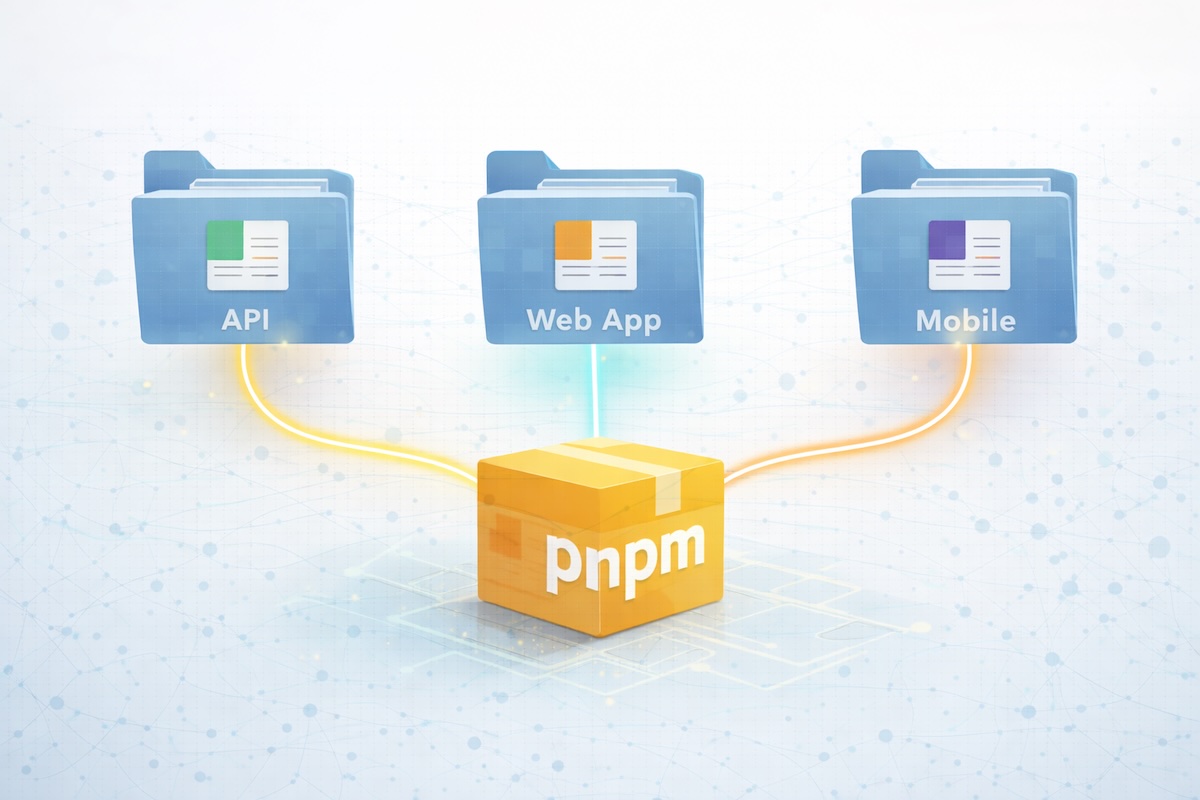
The concept of building within monorepos has been prevolent throughout the last decade of my career. I used npm in the early years and yarn for the years that followed. Most recently, though, I've been introduced to pnpm workspaces -- and I'm in love!
Setting up a pnpm workspace is incredibly simple. First, you need to create a pnpm-workspace.yaml file in your project root.
yaml# pnpm-workspace.yaml
packages:
  # specify a package in a direct subdir of the root
  - 'my-app'
  # all packages in direct subdirs of packages/
  - 'packages/*'
  # all packages in subdirs of components/
  - 'components/**'
  # exclude packages that are inside test directories
  - '!**/test/**'
In practice, I've found that it's helpful to separate reusable packages from applications that utilize those packages.
yaml# pnpm-workspace.yaml
packages:
  - apps/*
  - packages/*
When referencing an internal package as a dependency within a package.json file, the internal versions being referenced don't need be manually maintained and updated. Instead, the special workspace:* syntax can be used to reference the latest version that exists within the monorepo.
For example, if your workspace were to include a package named @internal/api, then referencing that package in your package.json would be done via:
json{
  "dependencies": {
    "@internal/api": "workspace:*"
  }
}
Sometimes, it's necessary for packages being built to reference the same set of dependency versions in lockstep. React is a perfect example of such a package where it is typical to have all dependencies reference the same React version. pnpm provides a mechanism for this as well named catalogs.
Workspaces can define a default catalog within the pnpm-workspace.yaml file to specify specific dependency versions.
yaml# pnpm-workspace.yaml
packages:
  - apps/*
  - packages/*

catalog:
  "@types/react": ^19.1.8
  "@types/react-dom": ^19.1.6
  react: ^19.1.0
  react-dom: ^19.1.0
  typescript: ^5.8.3
When referencing any of the packages within the default catalog from any of your internal package.json files, you no longer need to specify the version. Instead, the special catalog: syntax can be used to reference the defined catalog version.
json{
  "dependencies": {
    "react": "catalog:",
    "react-dom": "catalog:"
  },
  "devDependencies": {
    "@types/react": "catalog:",
    "@types/react-dom": "catalog:"
  }
}
Alternatively, named catalogs can be defined in addition to, or in lieu of, the default catalog.
yaml# pnpm-workspace.yaml
packages:
  - apps/*
  - packages/*

catalog:
  react: ^19.1.0
  react-dom: ^19.1.0

catalogs:
  react17:
    react: ^17.0.2
    react-dom: ^17.0.2
  react18:
    react: ^18.2.0
    react-dom: ^18.2.0
To reference named catalogs from any of your package.json files, simply include the catalog name after the catalog: syntax.
json{
  "dependencies": {
    "react": "catalog:react17",
    "react-dom": "catalog:react17"
  }
}
The benefits of using pnpm workspaces are great. Upgrading dependencies becomes much simpler, testing features across multiple dependency versions is easily achievable, and merge conflicts melt away.